Music operations
Use AI to bring catalog data into your quarterly report
See how a finance lead used Claude to transfer catalog data into a quarterly report, check totals, and make progress before live integrations were ready.

A finance lead at a music company we work with had been transferring information from nearly 40 catalog files into a quarterly management report, one catalog at a time. In a working session, he told me he had taught Claude to bring that information into the report and check its totals against the reconciliation points he supplied.
We had helped him develop the process for those catalog files. He was extending it into one of his biggest recurring reporting jobs while the company's larger platform was still being built.
That is a useful place to start with AI: a report your team already produces, using files it already has.
The existing files gave us useful work to automate
The company wanted its future platform to connect to outside royalty, accounting, and reporting systems. We discussed those connections with the CEO and agreed to first work on what the finance team could do with the data already available.
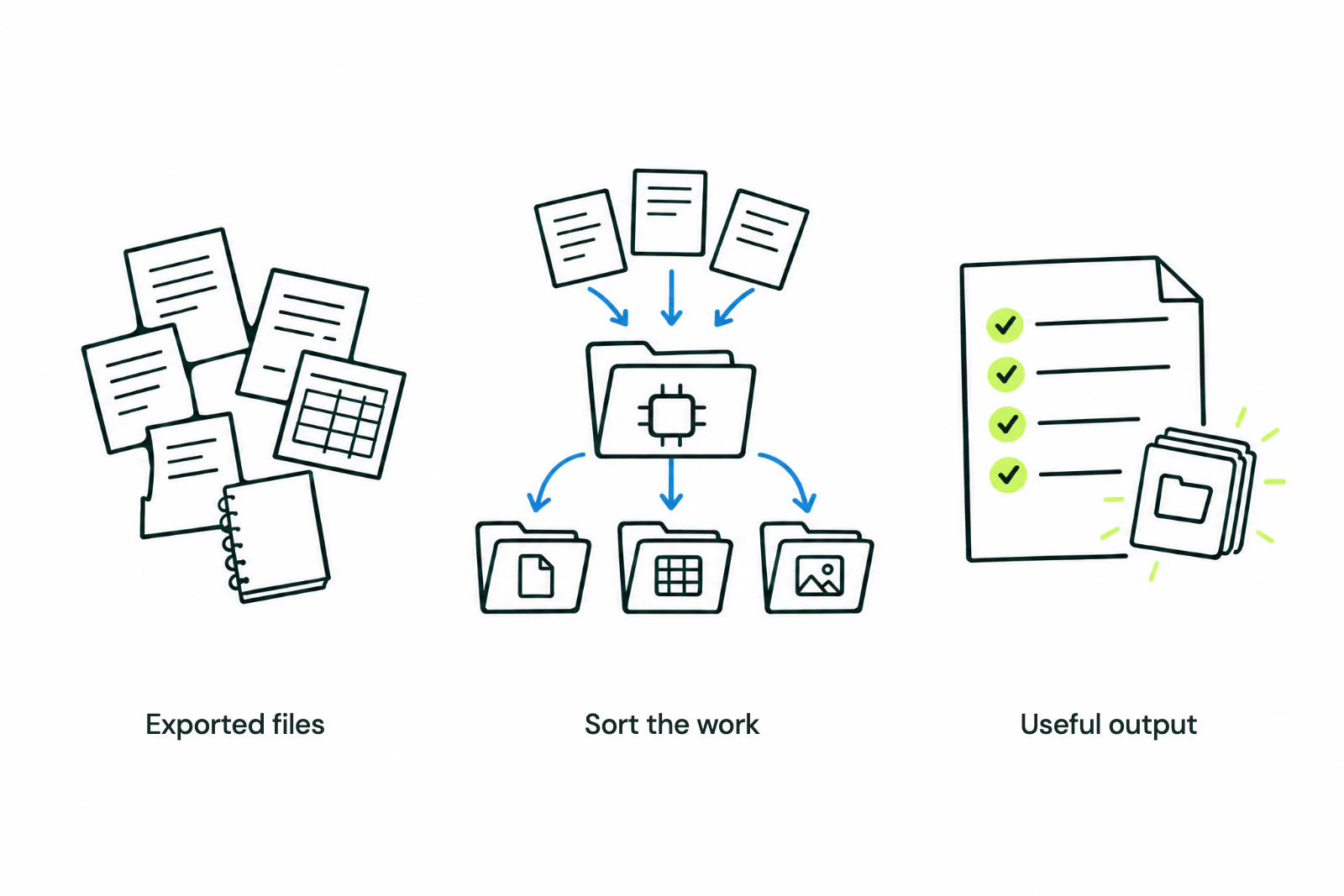
For the quarterly report, the finance lead described three parts of the workflow:
- Read the catalog files. Use the information already prepared for the firm's catalogs, including income by type.
- Transfer that information into the report. Replace the repeated manual transfer, one catalog at a time, with instructions Claude could follow.
- Check the totals. Give Claude the reconciliation points the report should tie to, so the finance lead could inspect the result.
This was a company-specific workflow in Claude. The finance lead supplied the reporting requirements and described the result in our session. He expected it to save substantial time; we did not have a measured time saving to report.
 View full-size image
 Save the reporting rules so the work can be repeated
For a workflow like this, the useful instructions include where each figure comes from, how income is categorized, where it belongs in the report, and which totals must reconcile.
Save those rules in an agent skill: a reusable set of instructions for the task. Include what to do when a file is missing, a category is unclear, or totals disagree. The finance lead should be able to find and review those exceptions before relying on the report.
This is also how to make the next reporting period easier. When a category needs correcting, update the saved instructions and check the affected output. Keep the source files available so someone can trace a report figure back to them.
Record the work that still needs a live connection
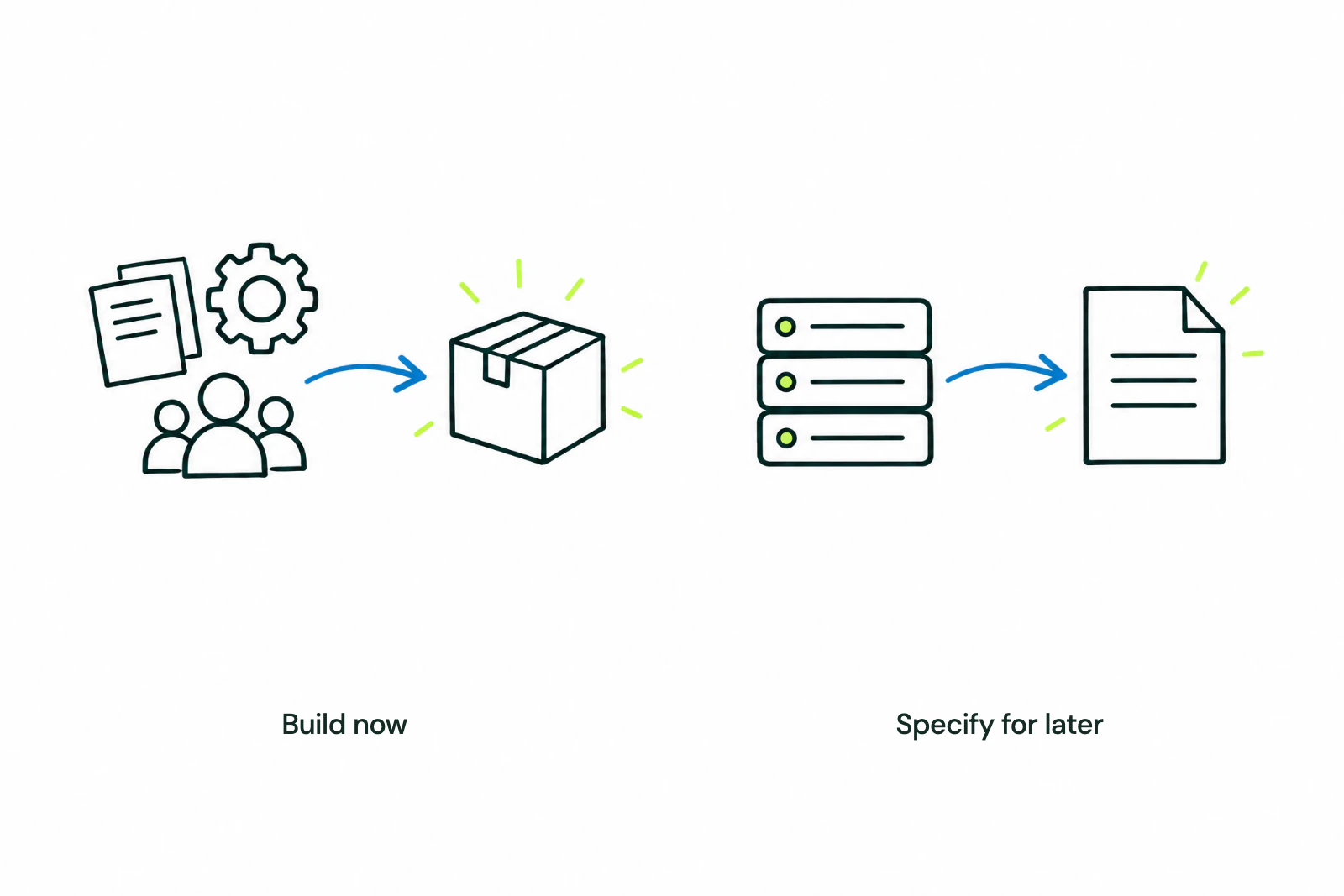
We kept the integration needs separate from the workflows that could run on existing files. That gave the team two practical lists: work it could do now, and work requiring a connection the future platform might provide.
 View full-size image
 A deferred task needs a specific description. “Connect the royalty system” is a broad request. A more useful requirement names the data, how often it is needed, the task it supports, and who will maintain the connection.
Build a connection when its value justifies the work
 View full-size image
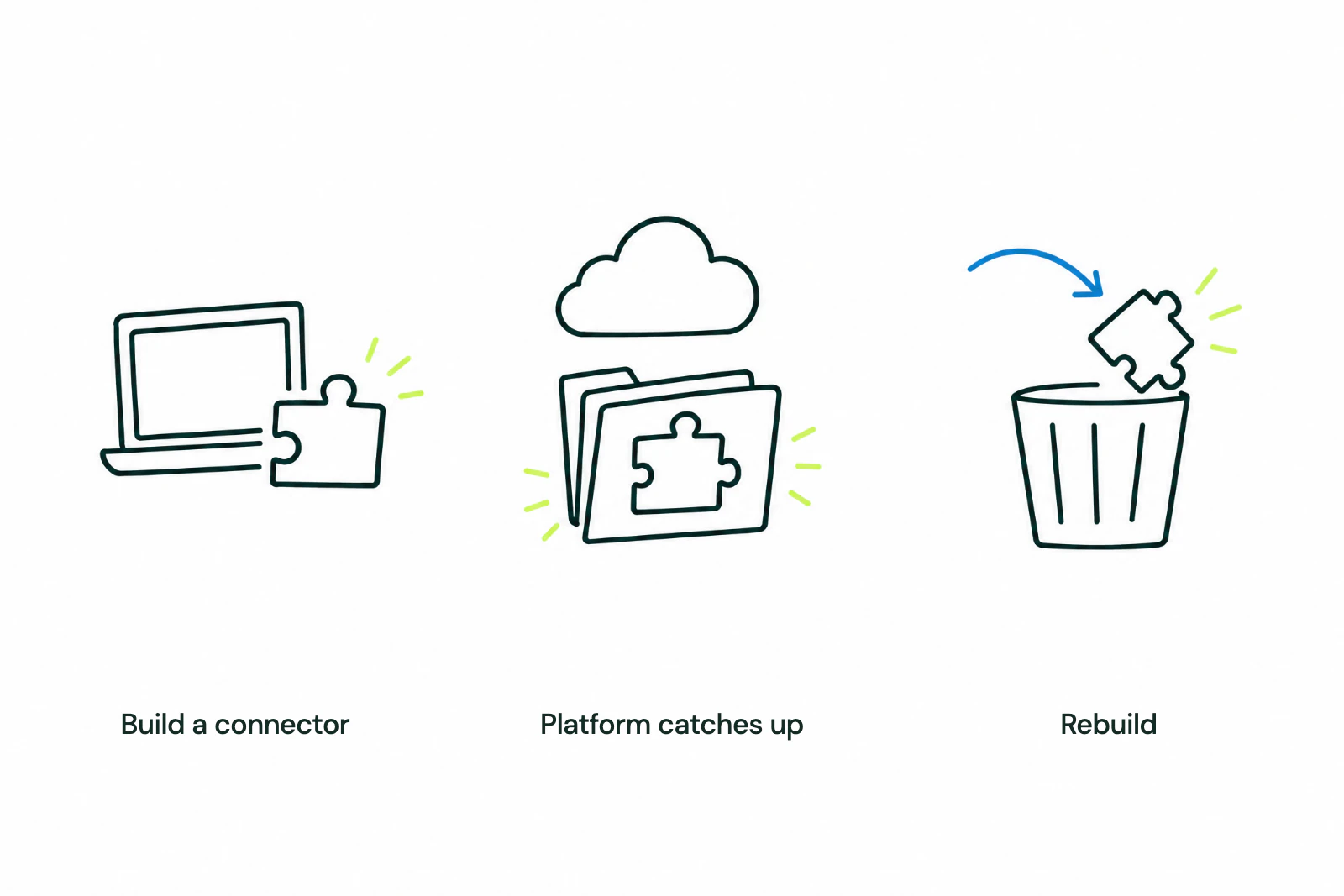
 A temporary connection can be worth building. Compare the manual work it would remove with the cost of building and maintaining it. Ask whether the platform could reuse that connection and how certain its delivery schedule is.
Start with a report your team already produces. Identify the files, write down the rules, and check whether an agent can produce an output the report's owner can verify.