AI strategy
How to roll out AI beyond your first successful team
Use practical one-on-one sessions to help the next department adopt AI, then turn the requirements teams discover into shared instructions and systems.

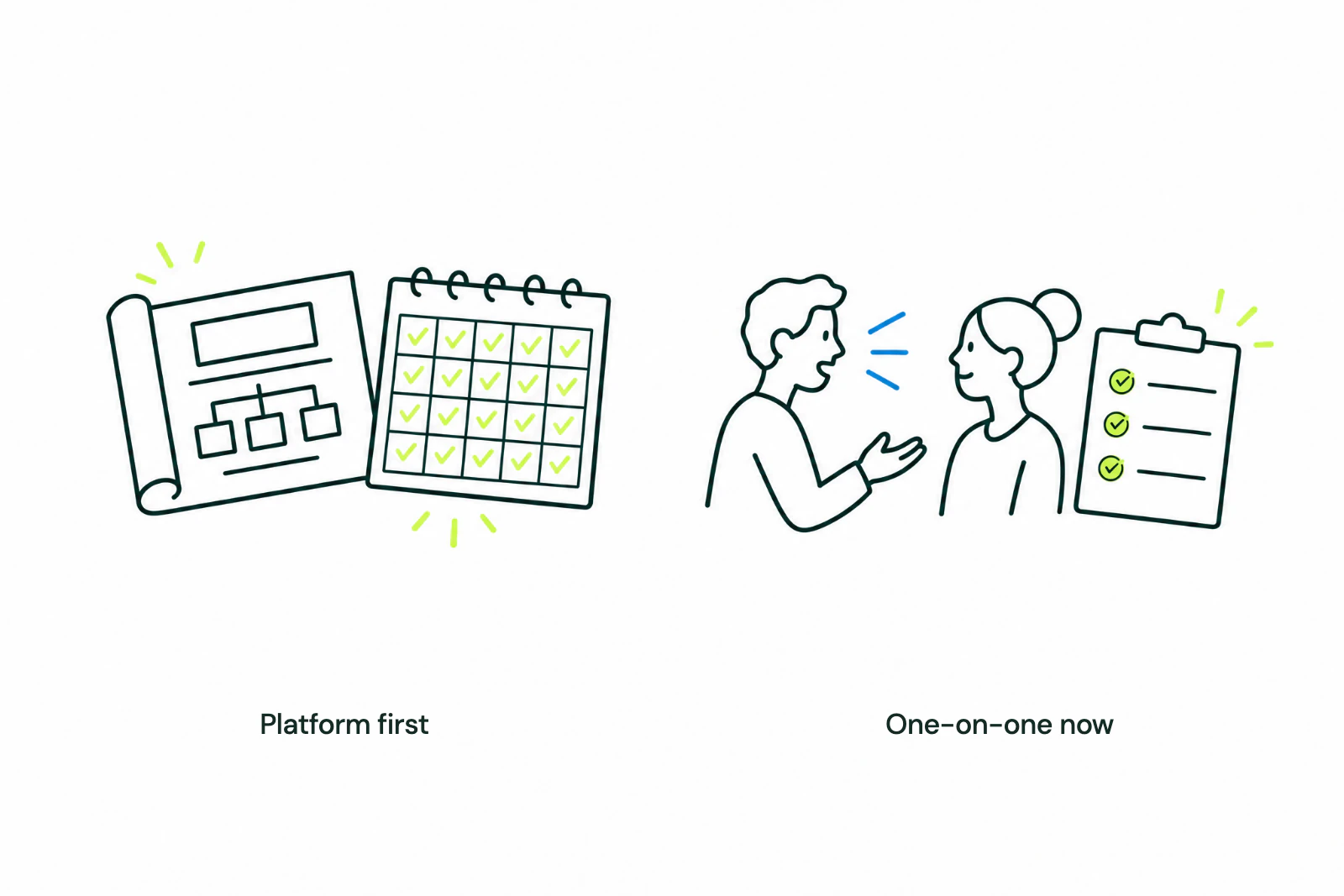
After the finance lead at a music company we work with began using AI for recurring tasks, we discussed bringing legal and marketing into the process. I proposed one-on-one sessions with each department head, using their own work. Those sessions were still a plan.
Finance started with work its leader already needed to do
An agent skill is a reusable set of instructions for an AI task. For a finance leader, that might mean preparing part of a recurring report and checking its totals against source records.
In this engagement, the finance lead described using Claude to transfer information from nearly 40 catalog files into a quarterly management report, with reconciliation points supplied for the totals. We had helped him develop the process for the catalog files, and he was applying it to more of his reporting work.
The finance lead could show colleagues which parts of the report Claude prepared and how he checked the result.
We planned to repeat the support with each department's own work
The next step we discussed was individual sessions with the legal and marketing heads. The company's wider platform was still being built, but we could begin with tasks suited to the tools and access already available.
 View full-size image
 For the next department, I recommend this sequence:
- Choose one recurring task. Pick something the department already does and whose output someone can judge.
- Arrange the right access. Agree which data and tools can be used before the session.
- Run the task together. Use a real input and inspect the output with the person responsible for it.
- Save the instructions. Capture the department's requirements and the corrections made during the session.
- Have the colleague run it again. Check what they can do independently and where they still need help.
The support can follow a familiar pattern while the work changes. Legal and marketing need their own examples, permissions, and review standards.
Let colleagues see the work and ask questions
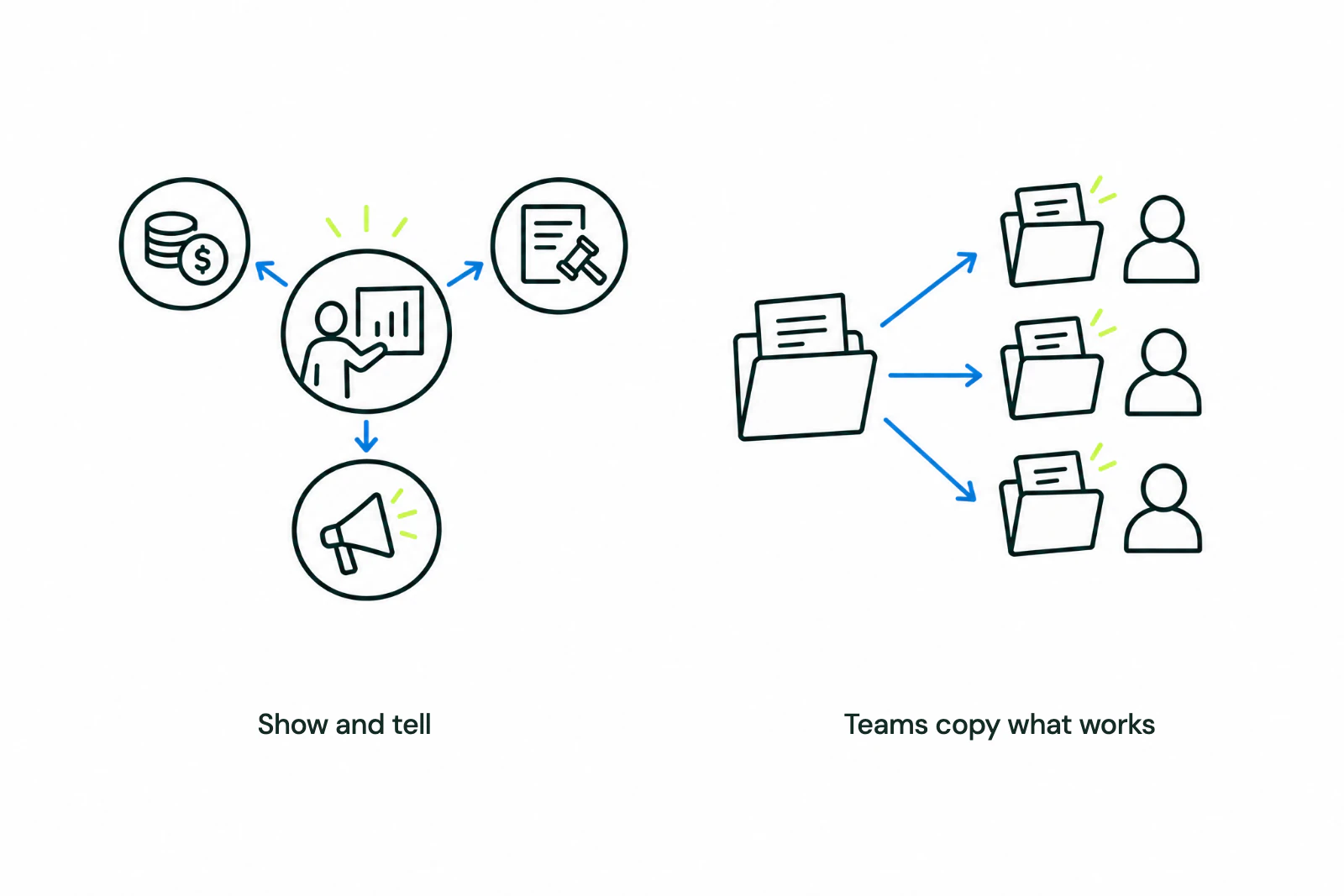
We also discussed a recurring show-and-tell where the finance lead could demonstrate what he had built. My aim was to make it easier for colleagues to recognize tasks they could try in their own departments.
A useful demonstration shows the input, the saved instructions, the output, and what still required human review. Leave time for questions about how it works and where it falls short.
 View full-size image
 Someone watching should leave with a task to try or a person to ask for help.
Use what teams learn to decide what should be shared
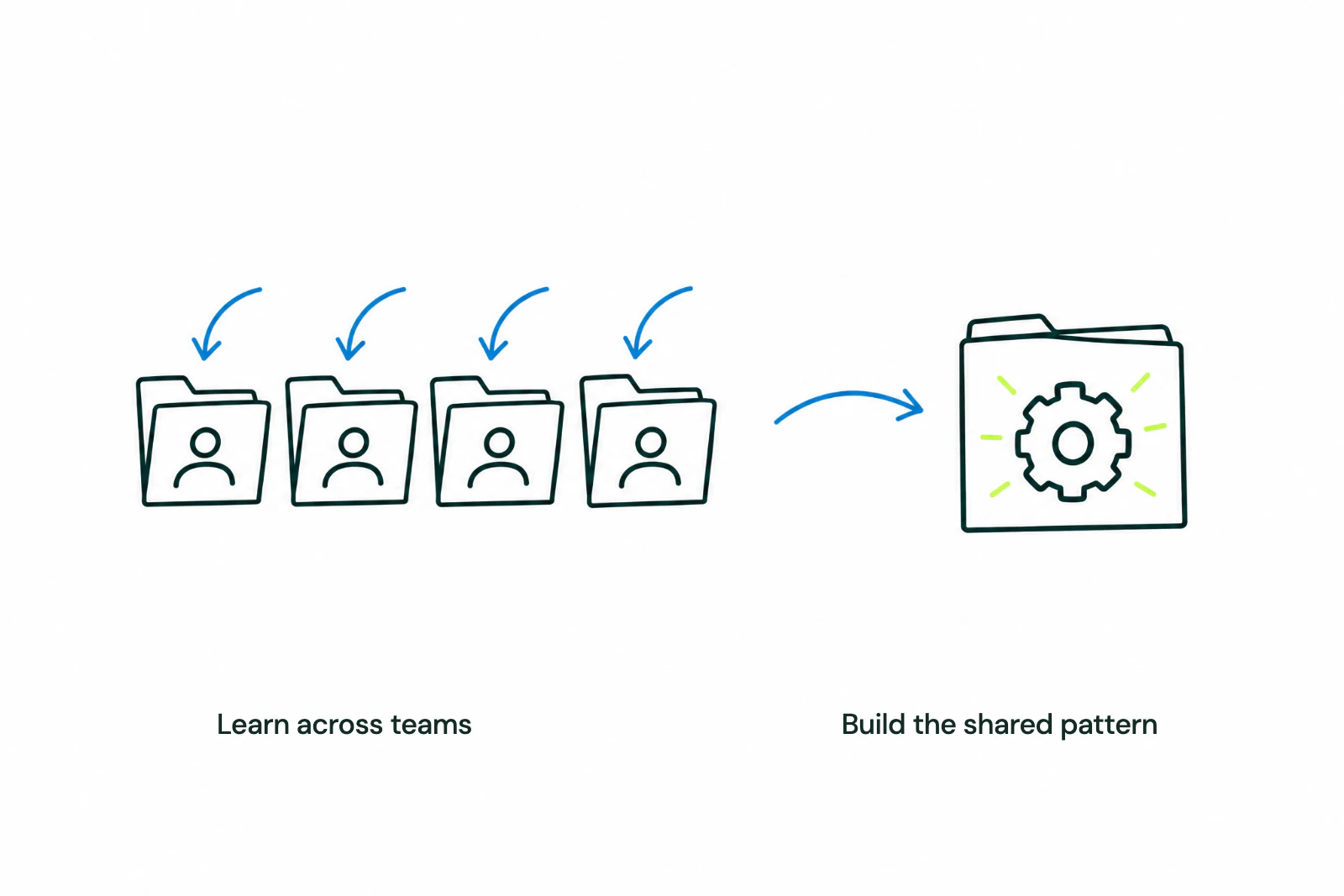
Set access and data rules before work begins. As teams test their workflows, look for requirements they share: the same source files, common reporting definitions, repeated instructions, or tools that several people need.
 View full-size image
 Those requirements can guide the company-wide platform and the onboarding process. Assign someone to maintain shared instructions and help new users, so support does not remain dependent on the founder or the first power user.
For the next department, a useful first milestone is one colleague running one reviewed workflow without the person who set it up beside them.