AI strategy
Your AI lives in one person's head
How Recoup helps music companies document, test, and hand over AI workflows so another employee can run them without the builder.

If the person who built your AI reporting workflow were unavailable next week, could someone else prepare the report?
“I feel like we're missing nine months of AI infrastructure,” a music agency's CEO told me after the employee leading its AI work left.
The employee had built workflows and internal tools. After the departure, the CEO felt the team had lost the ability to build on that work.
At Recoup, we believe an AI workflow is ready for a company when another authorized employee can run it, check the result, and know what to do when it fails. That is the handoff we help teams work toward.
One departure exposed how much depended on the builder
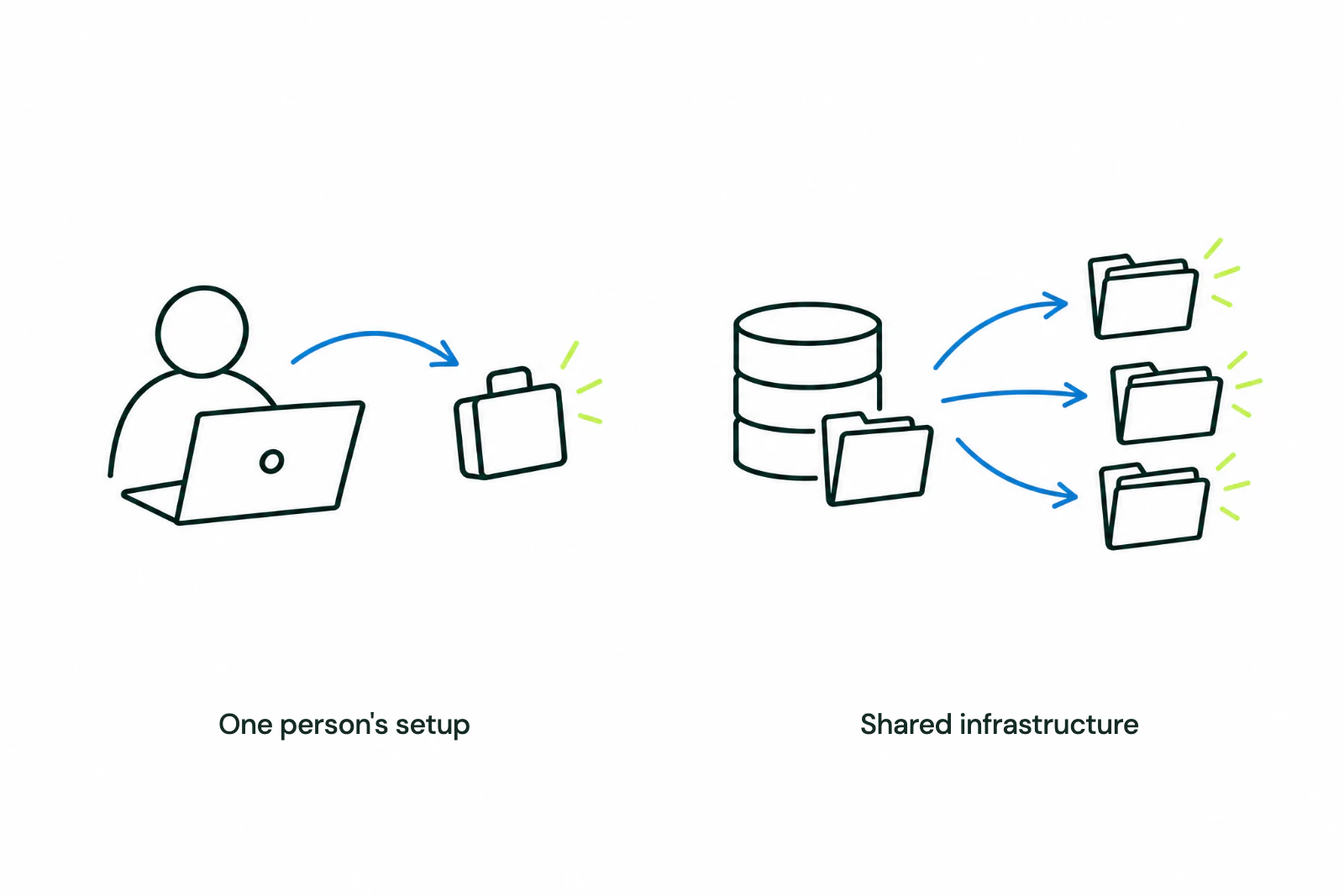
A workflow can work well and still depend on one person's knowledge. They know which files to use, which instructions need updating, what access is required, and how to recognize a bad result.
The instructions may be in a chat history, the files in a personal account, and the checks in the builder’s head. Find those dependencies while the builder is available.
 View full-size image
 Keep the instructions, tools, and access with the company
For a music fund or rightsholder, start with one recurring job, such as preparing a catalog income report. Give it a shared home with access controls and record:
- The task and expected result. What starts the work, and what should it produce?
- The instructions. Include saved prompts or agent skills: reusable instructions that tell an AI agent how to carry out the task.
- The inputs and tools. Identify the files, applications, and company-controlled accounts it needs.
- The access. Specify who is authorized to use the data and tools, and how access is granted.
- The review and maintenance owner. Name who checks the output and keeps the workflow current.
A shared folder helps people find the work. Working accounts and permissions let them use it. Keep a record of software licenses and ownership rights alongside those operating details.
Test the handoff on a report the team already knows
 View full-size image
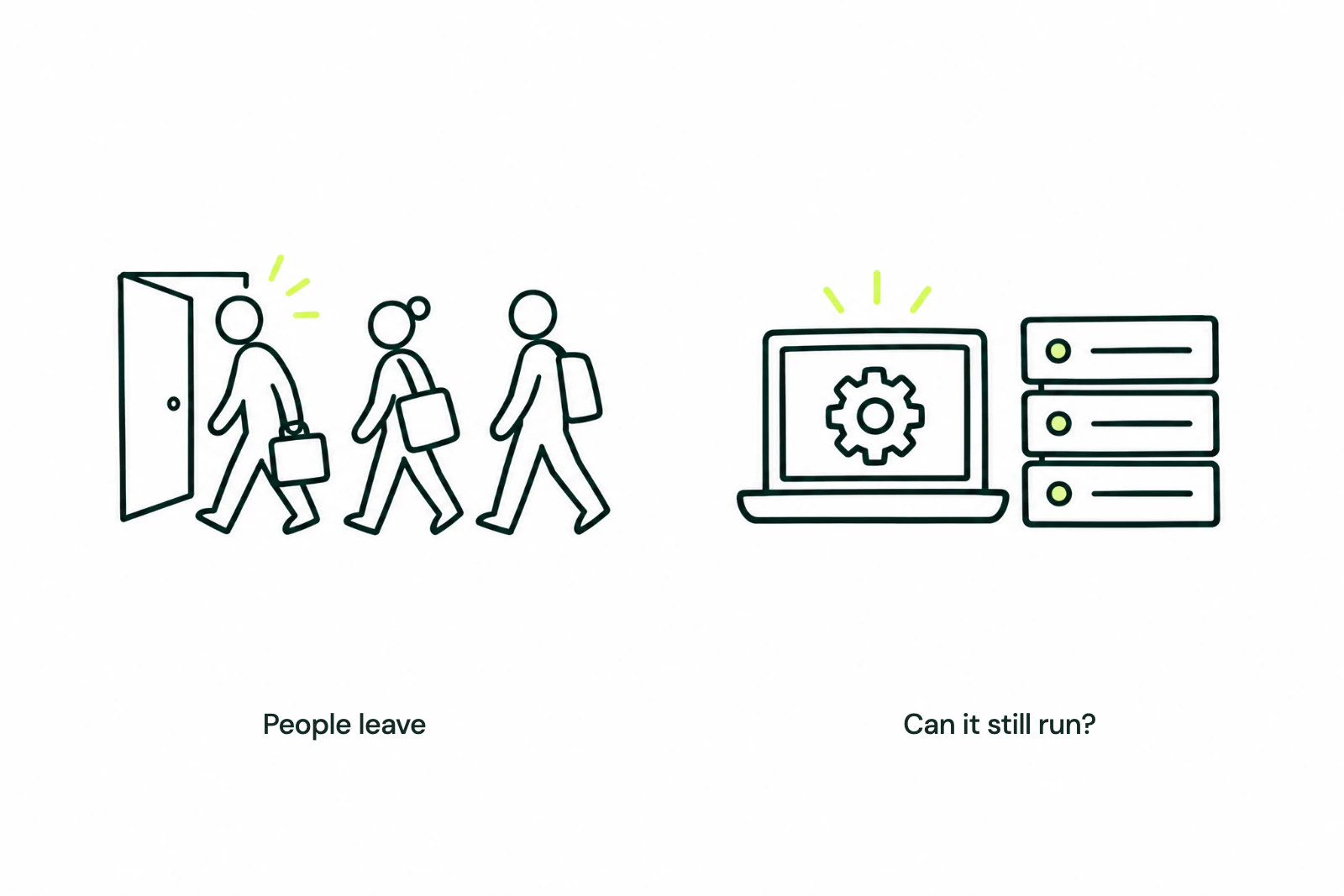
 For that reporting workflow, choose a completed period with an approved report to compare against. Have a second authorized employee use the saved instructions and source files from their company account. Let them work through it before the builder steps in.
Check both the process and the result. Could they find the right files? Did their access work? Did the output meet the team's standard? When something failed, could they tell what needed attention?
Fix each point where they needed help, then repeat the run. The test is whether a colleague can complete and check the work independently.
Repeat the handoff check as the work changes
 View full-size image
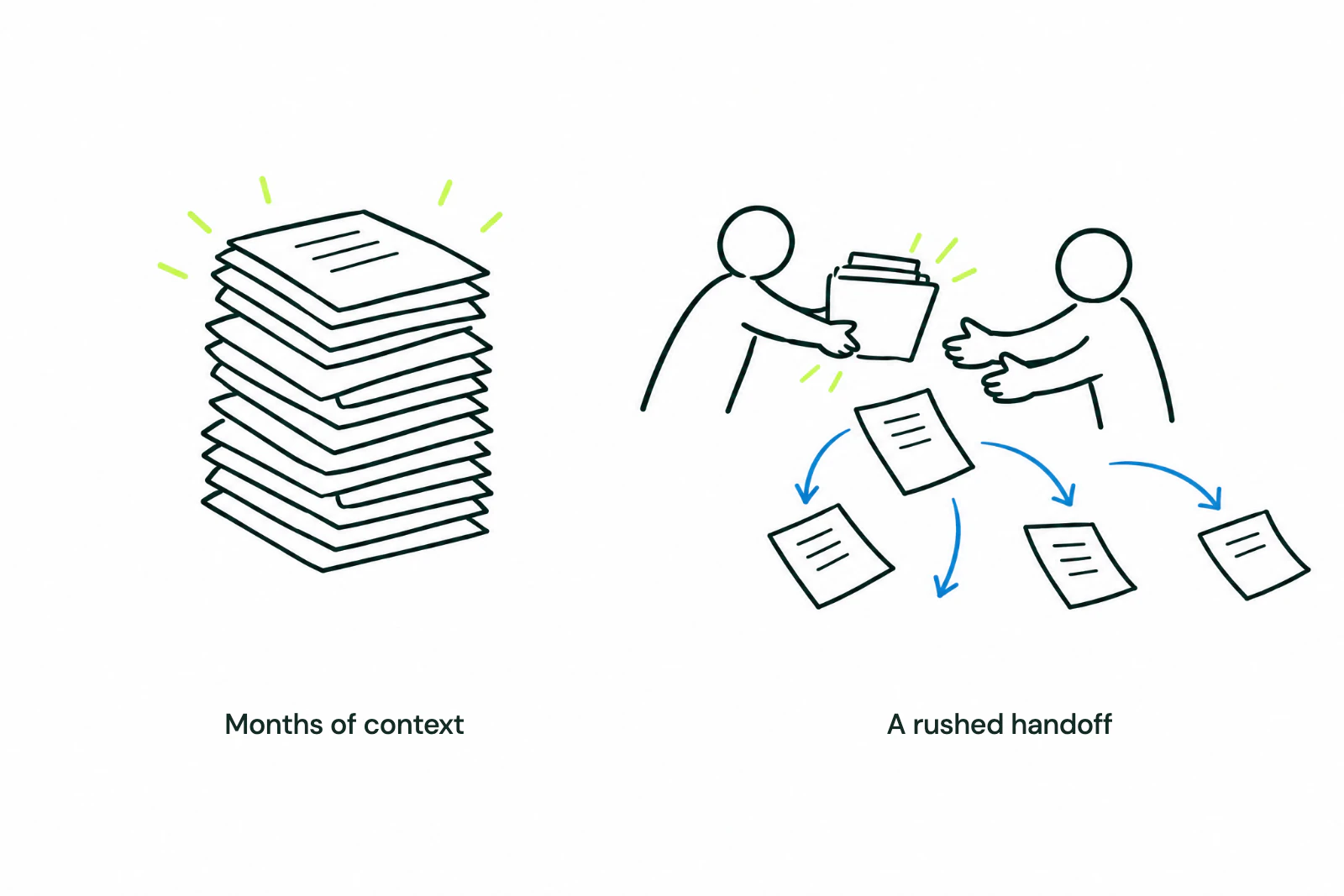
 Tools change, files move, and reporting requirements evolve. Repeat the check after a meaningful change, and give the maintenance owner time to fix what breaks.
How Recoup helps make the handoff work
We start with the employee who built the workflow and the person responsible for its output. Together, we identify the instructions, accounts, source files, and unwritten decisions the job depends on.
We document the reporting rules, arrange company-controlled access, connect approved records, and train a second employee within the agreed scope. We agree the scope before building, then test the handoff against a report your team trusts.
We hand over the materials your team needs to keep running the job: reusable instructions, documented connections and checks, and a named maintenance owner. We include preparation and review time when judging whether the new process is useful. A faster AI draft that requires more checking has not solved the problem.
Does an important AI workflow still depend on one person? Talk to Recoup about a workflow review. Tell us which job it handles and who can run it today. On the first call, we’ll discuss the gaps and a practical first project. No confidential files are needed to request a call.